Hello everyone, dear creative friends!
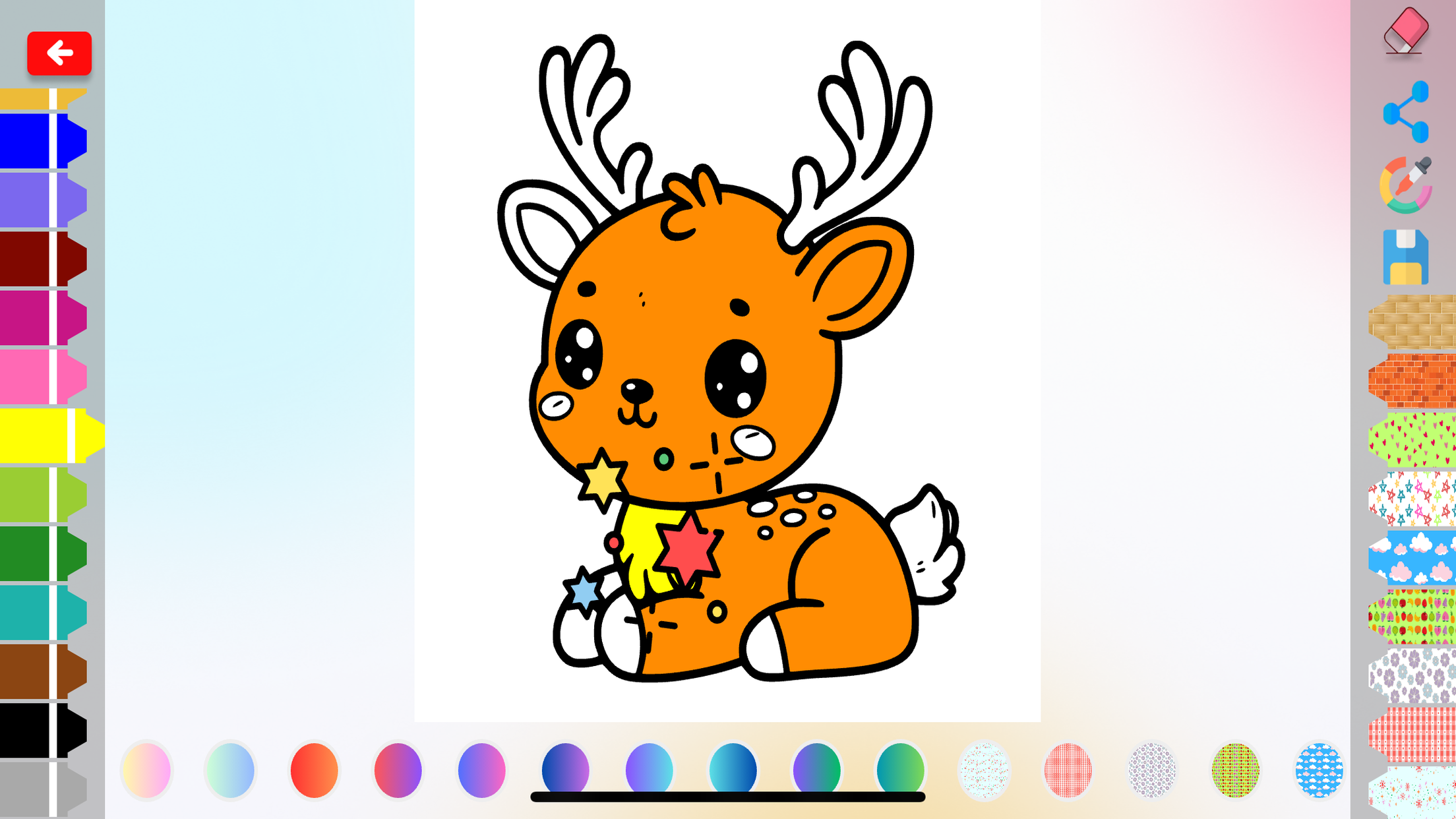
I'm Ornella Onio, and today I would like to share with you my passion for coloring, but with a modern touch: digital coloring apps.
I still remember when, as a child, I spent hours coloring with my colored pencils, dreaming of fantastic worlds and enchanted characters. But today, technology offers us new opportunities to express our creativity, and coloring apps are a perfect example of how digital can enrich our artistic experience.
Who said colors only live on paper? With a tablet or smartphone, we can always carry the magic of coloring with us, wherever we go.
1. Why Choose a Coloring App? The Advantages of Digital

A person coloring on a tablet in a park, highlighting the portability and convenience of digital coloring.
Coloring apps offer a number of advantages over traditional coloring, making it an attractive option for many:
Portability without borders
Forget about bringing pencils, markers and coloring books with you. With an app, your creative world is at your fingertips, anytime, anywhere. You can color on the train, on the plane, in the park or comfortably on the sofa, without the need for space or bulky materials.
An Infinite Palette of Colors
Coloring apps offer a virtually unlimited range of colors, allowing you to experiment with shades and tones that you could never achieve with traditional coloring tools. Imagine being able to choose from thousands of different colors, create custom shades and apply special effects to your designs!
Advanced Tools and Features
Coloring apps put a wide range of digital tools at your disposal, such as brushes, pencils, watercolors, airbrushes and much more. You can zoom in coloring pages the smallest details, undo and redo your moves, and even apply filters and special effects to make your pages even more unique and surprising.
Eco-Friendly
Coloring digitally means saving paper and reducing environmental impact. A small gesture for a big change!
Quick and Easy Sharing
With coloring apps, you can share your creations with friends and family in just a few clicks. Post your masterpieces on social media, send them via email or print them to decorate by hand.
Accessibility
Coloring apps can be a great solution for people with motor or visual disabilities, thanks to the ability to enlarge images and use digital tools that make coloring easier.
2. Choice Criteria: Find the Perfect App for You
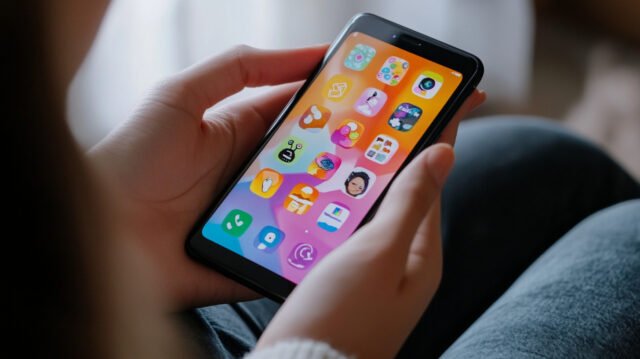
A person looking at different coloring app icons on a smartphone, pondering which one to choose.
With so many coloring apps available, how do you choose the right one for you? Here are some factors to consider:
- Ease of use: Is the app interface intuitive and easy to navigate? Is it suitable for children or does it offer more advanced features for adults?
- Variety of designs: Does the app offer a large selection of designs, with different themes and styles? Are there designs suitable for your age and interests?
- Coloring tools: What coloring tools are available in the app? Brushes, pencils, watercolors, special effects?
- Cost: Is the app free or paid? If it's paid, does it offer a free trial or a monthly/annual subscription?
- Compatibility: Is the app compatible with your device (iOS, Android, etc.)?
3. Top 5 Coloring Apps
The world of coloring apps is vast and varied, but here is a selection of the best that we have tested and appreciated, each with its own peculiarities and strengths:
Colorfy: The Queen of Coloring Apps
- Target: Adults and children
- Main features: Large library of pages (mandalas, animals, flowers, etc.), intuitive coloring tools, ability to create custom palettes, sharing on social media.
- Pro: Wide choice of designs, user-friendly interface, active community.
- Cons: Many designs and features are only available in the paid version.
Pigment: Realism and Precision

- Target: Adults and artists
- Main features: Professional coloring tools (brushes, pencils, watercolors), realistic simulation of materials, ability to create original pages.
- Pro: High quality of pages and tools, realistic coloring experience.
- Cons: Steeper learning curve, monthly subscription cost.
Happy Color: Relaxation and Fun Without Stress

- Target: Children and adults looking for relaxation
- Main features: Simple and intuitive designs, predefined colors for each area, no need to choose or mix colors.
- Pro: Relaxing and stress-free coloring experience, ideal for little ones or for those who want to unplug.
- Cons: Less creative freedom than other apps, smaller drawing library.
Recolor: A Community of Enthusiasts
- Target: Adults and children
- Main features: Vast drawing library, advanced coloring tools, weekly creative challenges, active community of colorists.
- Pro: Wide choice of designs, possibility to interact with other users, stimulating competitions.
- Cons: Some features are only available in the paid version.
Lake: Elegance and Minimalism

- Target: Adults looking for a refined coloring experience
- Main features: Curated selection of high-quality designs, professional coloring tools, elegant and minimalist interface.
- Pro: Immersive and relaxing coloring experience, thoughtful design, excellent quality of illustrations.
- Cons: Limited design library, monthly subscription cost.
Remember: Choosing the perfect app depends on your personal tastes, skill level, and needs. Experiment with different apps to find the one that makes you feel most comfortable and allows you to best express your creativity!
4. Tips for an Optimal Digital Coloring Experience

A hand using a stylus coloring pages a digital drawing on a tablet, highlighting the precision and control offered by digital tools.
To make the most of the potential of coloring apps, here are some useful tips:
- Experiment with different brushes and tools: Each app offers a variety of coloring tools, each with its own unique features. Experiment with different brushes, pencils, watercolors, and other tools to discover your favorite ones and create different effects.
- Use layers: If the app allows it, use layers to layer colors and create complex gradients. This way, you can also edit or delete individual layers without compromising the entire design.
- Take advantage of the zoom and undo/redo functions: These functions allow you coloring pages with greater precision and correct any errors without worries.
- Join online communities: Share your creations with other coloring enthusiasts, exchange tips and be inspired by their works.
- Protect your eyes: Take regular breaks to avoid eye strain. Adjust screen brightness and use night mode if available.
Conclusion: Color Your Digital World
The world of digital coloring is an ever-expanding universe, full of creative opportunities and innovative tools. Coloring apps allow us to express our imagination wherever we are, to experiment with different colors and techniques and to share our creations with the world.
I invite you to explore this fascinating world and discover the perfect app for you. Have fun!

Since she was little, Ornella has always seen the world as a canvas to be filled with colours. Transforming a blank sheet of paper into a work of art was her greatest passion and the one that led her to create Disegnidacoloraremondo.com. With training as a teacher, Ornella understands the value of coloring in children's development. Through the site, she shares her love for art and creativity, dreaming of a world where everyone can express themselves at their best.